Keep the aircraft in sight.
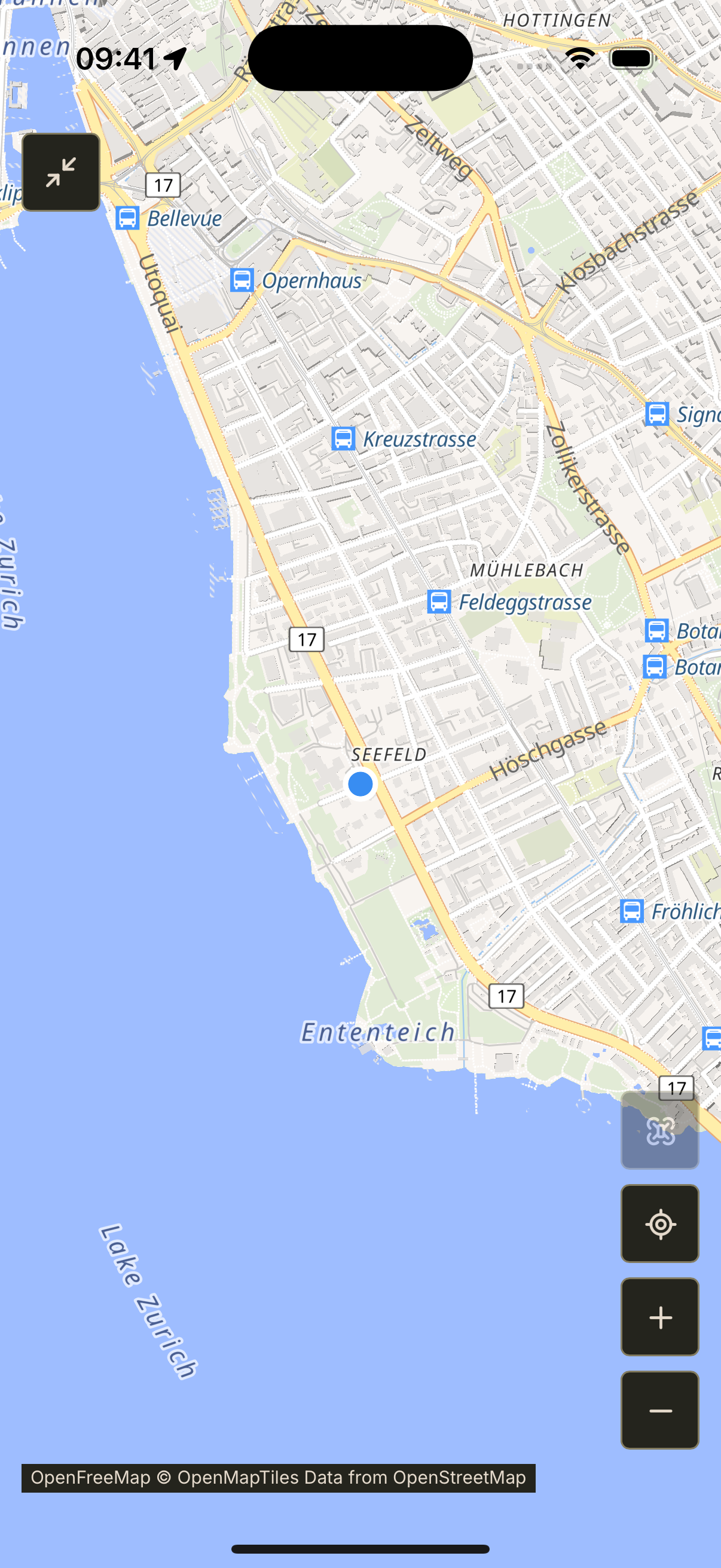
Follow received positions on a full-screen map. Centre on your aircraft or use your phone’s location to get your bearings.
 Drone
DroneYOUR FIELD COMPANION
Telemetry, maps and flight records in your pocket. Built for pilots who fly INAV and Betaflight.
FROM CONNECTION TO REVIEW
Follow received positions on a full-screen map. Centre on your aircraft or use your phone’s location to get your bearings.
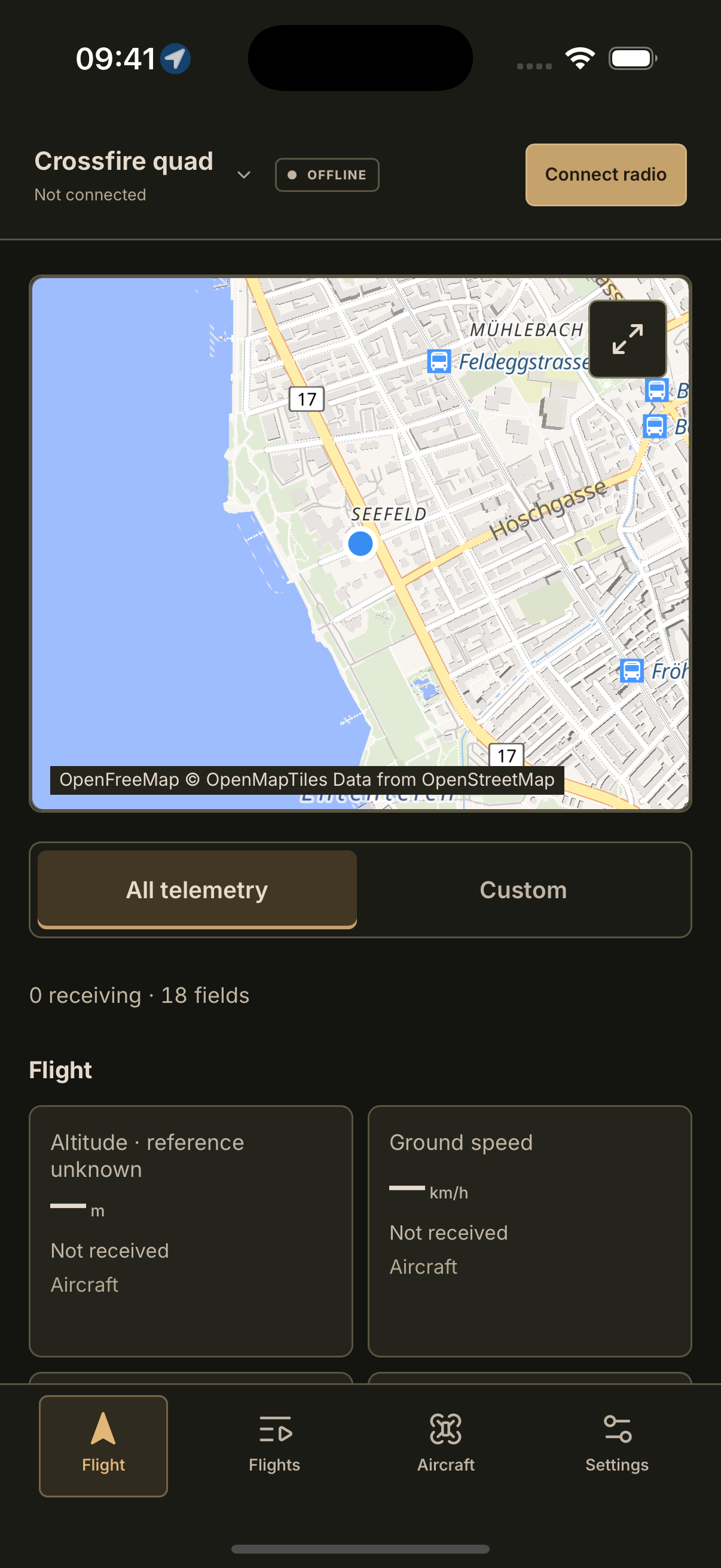
See every supported reading or choose a view for each aircraft. Know which values are arriving and which are stale.
On iOS, recording starts with your radio connection. Review the timeline afterwards and share coordinates or the complete flight.
Save connection settings with each aircraft. Compatible MAVLink 1, MAVLink 2 and CRSF streams are detected automatically.
Use a compatible Crossfire or ExpressLRS telemetry bridge. A Wi-Fi module must forward a supported telemetry stream; Wi-Fi alone is not enough.
Live connections currently work on iPhone and iPad while the app is in the foreground. Mobile USB is not supported. Your radio remains in control of the aircraft.
DRONE GROUND STATION
Each platform has its own release. These details come from verified store availability.
Awaiting public release
The store link will appear when this platform’s release is publicly available.
Connect over a supported Wi-Fi TCP or incoming UDP link. The app detects supported MAVLink 1, MAVLink 2 and CRSF frames from the received data. Your radio module must provide a compatible telemetry stream. Having Wi-Fi alone does not establish compatibility. USB connections are not supported on mobile.
SupportAwaiting public release
The store link will appear when this platform’s release is publicly available.
This release does not yet support live radio connections on Android. TCP, UDP and USB connections, live aircraft telemetry and new hardware recordings are unavailable on this platform. Saved connection settings prepare your aircraft configuration but do not enable a radio link.
SupportThe radio bridge must expose a compatible MAVLink or CRSF stream. Crossfire MAVLink forwarding and compatible ExpressLRS bridges are supported on iOS. Check your module’s forwarding settings and configured port.
The app displays what your flight controller and radio actually send. GPS requires a valid fix. Battery, attitude and other available readings can arrive without GPS.
They stay on your device. You choose whether to share coordinate CSV or a complete flight JSON file. There is no automatic cloud upload.
Native app screenshots. Download availability is listed separately.